Why you Need to Back Up your Microsoft 365 Data Before It's Too Late with Steve Brining
October 27, 2026
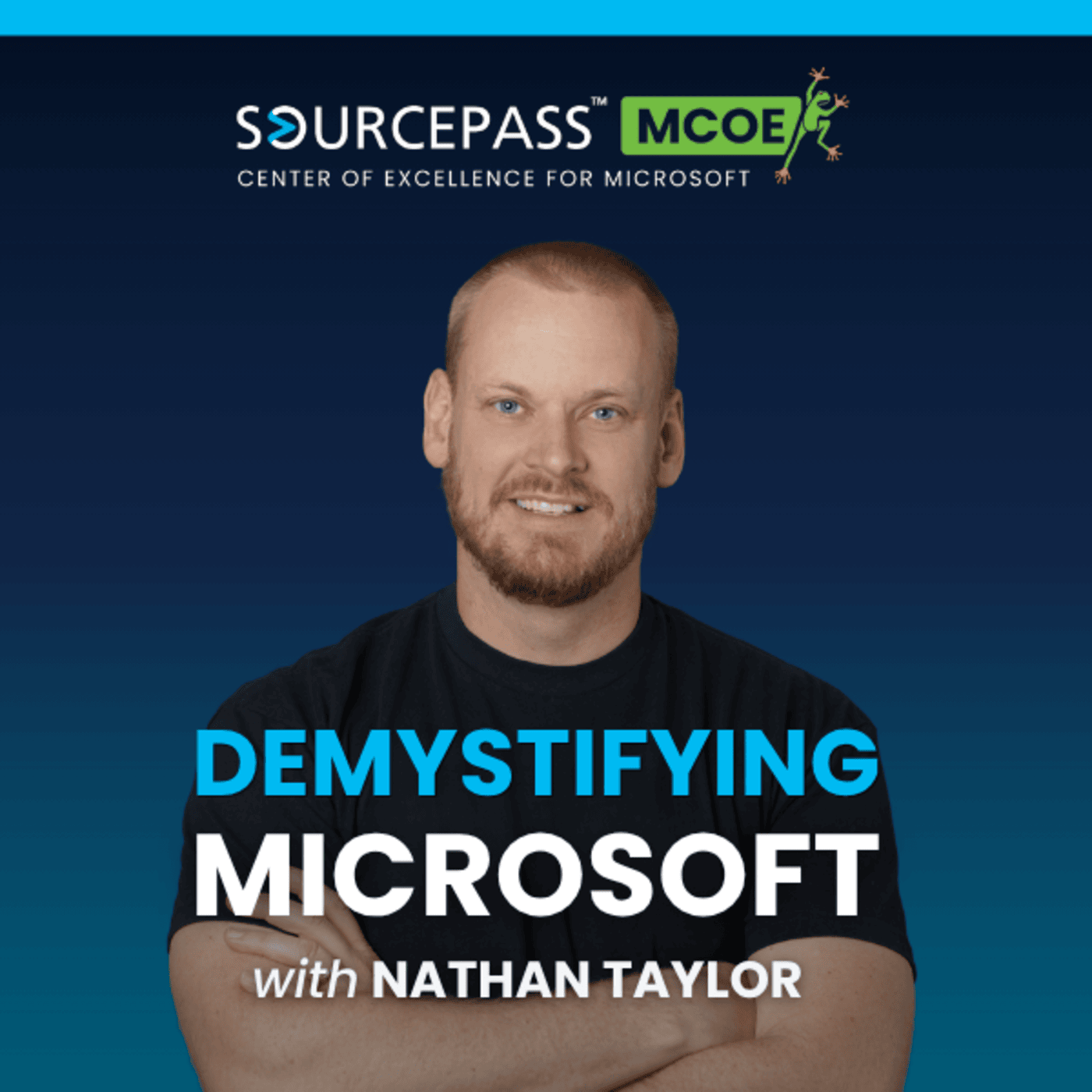
In this episode of Demystifying Microsoft, host Nathan Taylor of the Sourcepass Center of Excellence for Microsoft is joined by Steve Brining, Cybersecurity Evangelist at Acronis, to discuss why backing up your Microsoft 365 data is critical, how retention policies and backups serve different purposes, and the key strategies to protect your Exchange, Teams, OneDrive, and SharePoint data from deletion, corruption, and insider threats.
Microsoft does an excellent job of keeping Microsoft 365 resilient. That resilience includes faithfully replicating every deletion, corruption, and misconfigured retention policy. Section 6b of the Microsoft Services Agreement puts responsibility for backing up content and data on the customer, which leaves IT leaders with one question: can you actually roll back when something goes wrong?
In this episode of Demystifying Microsoft, host Nathan Taylor of the Sourcepass Center of Excellence for Microsoft is joined by Steve Brining, Cybersecurity Evangelist at Acronis, to discuss why backing up your Microsoft 365 data is critical, how retention policies and backups serve different purposes, and the key strategies to protect your Exchange, Teams, OneDrive, and SharePoint data from deletion, corruption, and insider threats.
What You’ll Learn:
- What Section 6b of the Microsoft Services Agreement means for your backup strategy
- Why a platform outage can take native Microsoft 365 Backup offline along with your production data
- The cost and configuration trade-offs of native Microsoft 365 Backup versus a per-seat third-party solution
- How the 3-2-1-1-0 backup strategy adds immutability and verified recovery
- The difference between Microsoft 365 backup, archiving, and retention policies
- Why Microsoft Teams data and Microsoft Entra ID identity data need protection
About the Guest:
Steve Brining is a Cybersecurity Evangelist at Acronis, where he has spent nearly nine years helping organizations strengthen backup, recovery, and data protection strategies. He brings 30 years of experience in cybersecurity, much of it on the software vendor side. Steve also served 20 years in the Arizona Army National Guard, retiring as a commander in July 2026.
About the Host:
Nathan Taylor is the Senior Vice President and Global Microsoft Practice Leader at the Sourcepass Center of Excellence for Microsoft. With more than 20 years of experience supporting small and mid-sized organizations, Nathan brings a pragmatic perspective shaped by real-world deployments, Microsoft 365 security strategy, and close collaboration with Microsoft. He helps IT leaders cut through the noise of an ever-evolving Microsoft ecosystem so they can make informed, defensible decisions with confidence.
Episode Highlights:
- 01:02 Section 6b and the Shared Responsibility Model
Microsoft is responsible for infrastructure security and uptime. Section 6b of the Microsoft Services Agreement makes backing up your content and data your responsibility.
- 02:14 When Native Backup Goes Down with the Platform
Native Microsoft 365 Backup runs inside the Microsoft ecosystem. A broad outage can take down your production data and your ability to restore it at the same time.
- 09:11 Backup vs. Archive
Backup is for fast, point-in-time recovery after ransomware, corruption, or deletion. Archiving is for keeping data for years to meet compliance, legal, and historical requirements.
- 11:57 Why Retention Policies Aren’t Backups
Retention policies control how long Microsoft 365 keeps data. They can be changed or misconfigured, and only an independent backup gives you a separate recovery copy.
- 13:38 Insider Threats and the Value of Granular Restore
Departing employees can time deletions to outlast your retention windows. Granular restore and audit logs let you recover exactly what was lost and see who removed it.
- 22:06 AI Agents, Identity, and Microsoft Entra ID Backup
Identity is the main battleground, and misconfigured AI agents add new risk. Backing up Microsoft Entra ID lets you roll users, groups, and configurations back to a known-good state.
Episode Resources:
Would your current Microsoft 365 setup survive a malicious deletion, a retention policy misstep, or an extended platform outage? Connect with the Sourcepass MCOE team to review your backup, archive, and retention strategy, and make sure your Exchange, OneDrive, SharePoint, Teams, and Microsoft Entra ID data can be recovered when it counts.
- Steve Brining on LinkedIn
- Acronis Website
- Microsoft Website
- Sourcepass Website
- Nathan Taylor on LinkedIn
Quotes:
- “Microsoft is responsible for the security of the infrastructure and for uptime, but you’re ultimately responsible for backing up the data.”
- “A backup really answers the question, ‘How do I get my data back?’ An archive is about long-term retention for compliance, legal, and other business requirements.”
- “Retention determines how long Microsoft 365 must preserve the data. Backup is a separate recovery mechanism for when you need to restore.”
- “You really have to get your identity and access management in order because identity, especially with AI, is the scary part for me.”
Demystifying Microsoft is handcrafted by our friends over at: fame.so